It’s the end of a long, busy day. The salon’s closed, but before going home, you still have to manually reconcile payments. You’re standing at the counter, toggling between your booking app, your card machine’s reporting dashboard, and the numbers don’t add up. One says 47 payments. The other says 45. A long day has suddenly become even longer.
Most salon owners put together their payment setup when they first opened: a card machine from one provider, online bookings through another, maybe a separate app for tracking tips, and haven’t revisited it since. It works. Sort of. The card machine works. The booking system works. They just don’t talk to each other, and the gap between them is where time, money, and patience disappear.
This article is a practical look at the payment options available to you as a salon owner: what they are, where they work well, and helps you figure out whether your current setup is still serving you, or whether there’s a better way.
Payment options for salons: what’s actually out there?
Before diving into features and fees, it helps to understand what’s actually on the table. Payment options for salons roughly fall into four categories – each with genuine pros and cons.
Treatwell Pay: The integrated payment solution within Connect
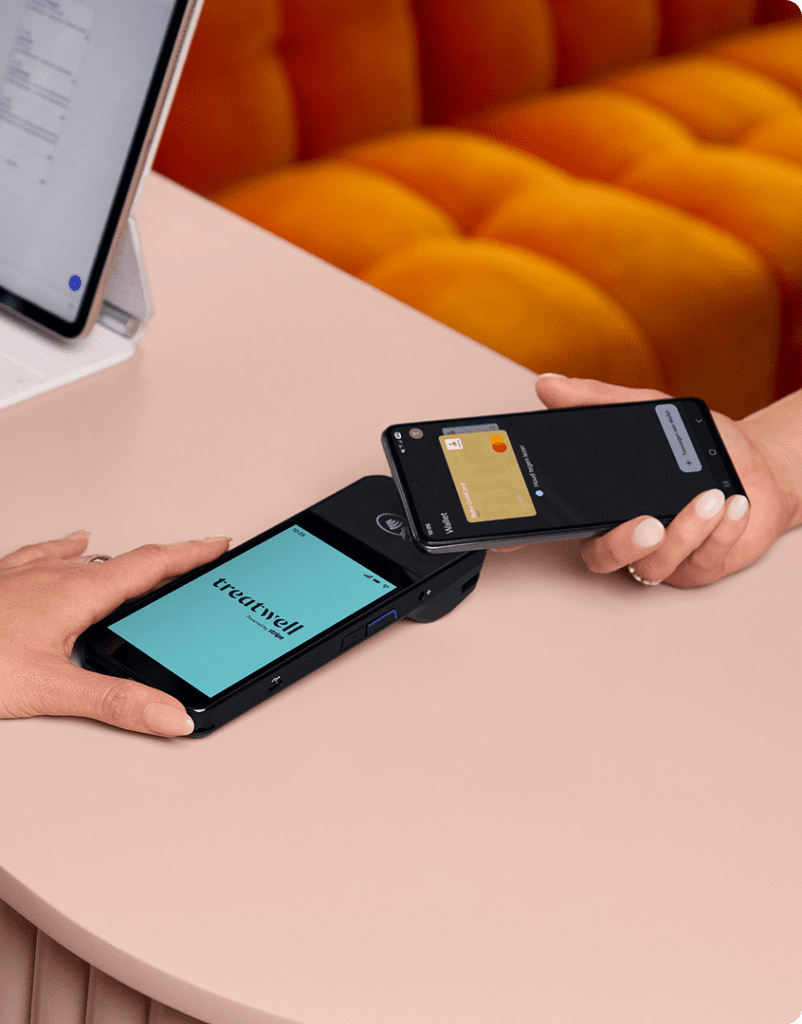
Building payment processing into your booking platform has a clear advantage: when bookings and payments live in the same system, the reconciliation problem disappears. You don’t need to cross-reference two dashboards at the end of the day because every payment is already matched to a booking.
That’s the basic idea behind Treatwell Pay. It’s built into Connect, which means it plugs into your calendar, your client records, and your reporting rather than sitting alongside them as a separate thing you have to manage.
In terms of what you get: a card machine that handles chip, tap, and swipe (including Apple Pay and Google Pay – not contactless-only), Tap to Pay straight from your phone, and online pre-payments for clients who book through the Treatwell marketplace. The card machine ships free within two to five business days, one-time setup, no hardware subscription.
Transaction rates are flat across all card types, no tiered pricing where Amex costs more than Visa. Daily payouts are included as standard, and everything is powered by Stripe, which handles payments for some of the largest businesses in the world.
Standalone card machines
Standalone card readers like SumUp or bank-provided terminals are the default choice for many small businesses. They’re simple to get started with: order a reader, download an app, start taking payments. Low barrier to entry, familiar format, and your clients already know how they work.
The limitation is that they’re just card readers. They don’t know anything about your appointments, your clients, or your business. Every transaction is disconnected from your booking system, which means manual reconciliation at the end of the day. You can’t see which bookings have been paid and which haven’t without checking two different systems. No visibility on no-shows. No pre-payment option to secure bookings in advance.
For a solo stylist doing ten appointments a day, this might genuinely be fine. The friction is manageable when volume is low. But as your salon grows, more staff, more appointments, more complexity, that friction adds up. Because let’s be honest, nobody’s switching card machines for fun. But if you’re spending half an hour every evening matching transactions to bookings, that’s time you’re not getting back.

Other integrated solutions
Other beauty booking platforms, like Fresha, Booksy, Planity or Salonkee, offer payment processing tied to their booking platforms, following the same logic as Treatwell Pay: payments linked to bookings, consolidated reporting, everything in one place. The integration benefit is real, and if you’re already using either of those systems for your calendar, their payment products are a natural extension.
Where the differences show up is in the specifics. Transaction fees, payout timing, hardware options, and the features bundled around the payment experience all vary between providers. If you’re actively comparing, it’s worth requesting the specific rates from each and checking how their payment setup fits into the broader platform experience – not just the per-transaction cost, but the total cost of running your salon through that system.
Part of that cost, and the part that’s hardest to put a number on, is what the platform does beyond payments. Whether it’s bringing new clients through the door, or whether you’re doing all of that yourself. Treatwell’s marketplace does that work for you: clients search, find your salon, book, and pay, and the whole journey lives in one system from discovery to payout.
A note on Apple Pay and Google Pay
Your clients love them, and for good reason: they’re fast, familiar, and increasingly the default way people pay for anything. But Apple Pay and Google Pay are payment methods, not payment solutions. They’re the way a client chooses to tap, but you still need hardware and a provider behind the scenes to process the transaction. They’re not alternatives to a card machine; they’re features that work through one.
What this means in practice: if your current card machine or Tap to Pay setup accepts contactless, your clients can already use Apple Pay and Google Pay. If it doesn’t, that’s a gap worth closing, because more clients expect it with every passing month. But choosing between Apple Pay and Google Pay isn’t a payment decision you need to make – choosing the system that processes them is.
How they compare at a glance
The table below summarises the key differences. Note that Apple Pay and Google Pay are payment methods that work through the solutions listed, not alternatives to them.
| Treatwell Pay | Standalone card machine | Other beauty booking platforms | Apple Pay / Google Pay | |
| Payment methods accepted | Card, chip, tap, contactless, Apple Pay, Google Pay, cash, voucher, split payments | Card, chip, tap, contactless | Varies by provider | Contactless only |
| Linked to bookings? | Yes — every payment auto-matches to a booking in Connect | No | Yes — within their own platform | No |
| Reporting | All in Connect, alongside calendar, clients, and team management | Separate dashboard | Within their platform | None |
| Online pre-payments | Yes — built in | No | Varies by provider | Via Treatwell app/website only |
| Treatwell marketplace | Yes — access to the no.1 beauty marketplace in Europe | No | No | No |
| Daily payouts | Yes | Depends on provider | Varies by provider | No |
| Tipping | Yes, via Striketip | Some providers | Varies by provider | No |
| Setup | Free shipping, one-time install. Tap to Pay: no hardware needed | Hardware from provider | Hardware from provider | No hardware needed |
| Hidden fees? | No — one price for all cards | Often yes (per-card type, monthly fees) | Varies — check specific rates | Depends on provider |
The table tells one story clearly: if you’re only taking contactless payments in person, Apple Pay and Google Pay through your existing terminal are fine. If you want a standalone solution that handles card payments reliably, a dedicated machine does that. But if you want your payments, bookings, and reporting to actually work together without manual effort at the end of every day, integration is the only option that delivers that.
What Treatwell Pay actually looks like day to day
Comparison tables are useful, but they don’t tell you what it feels like to use something on a Wednesday morning when you’re running fifteen minutes behind and there’s a queue forming at the desk. This section is about what Treatwell Pay actually does in practice, in your day to day.
The card machine
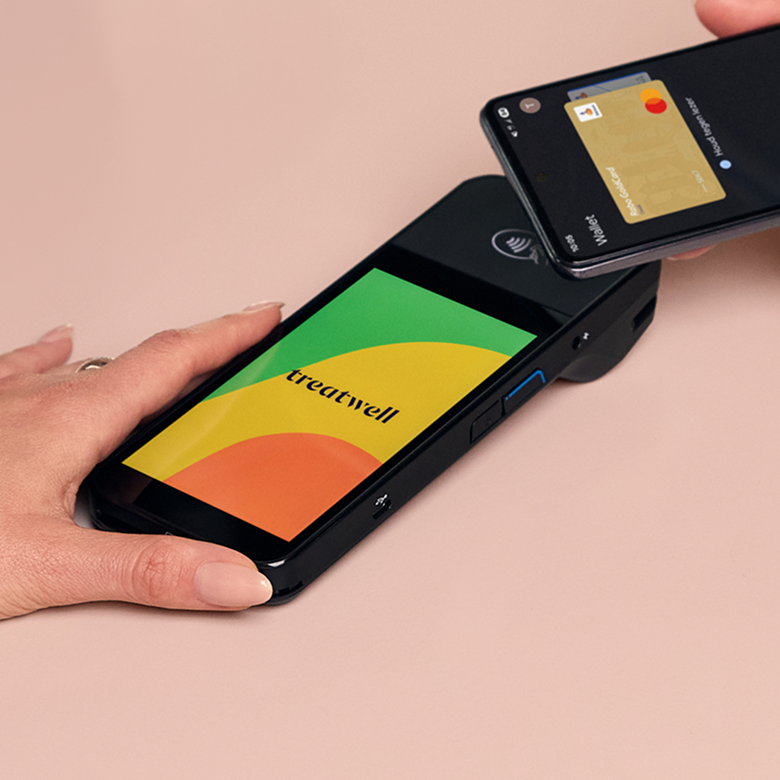
The card machine connects directly to Treatwell Connect. It accepts chip, tap, and swipe, including Apple Pay and Google Pay. Every payment logs automatically against the relevant booking, which means your end-of-day reporting is accurate without any manual reconciliation. No more standing at the counter trying to figure out where a missing payment went.
Tap to Pay
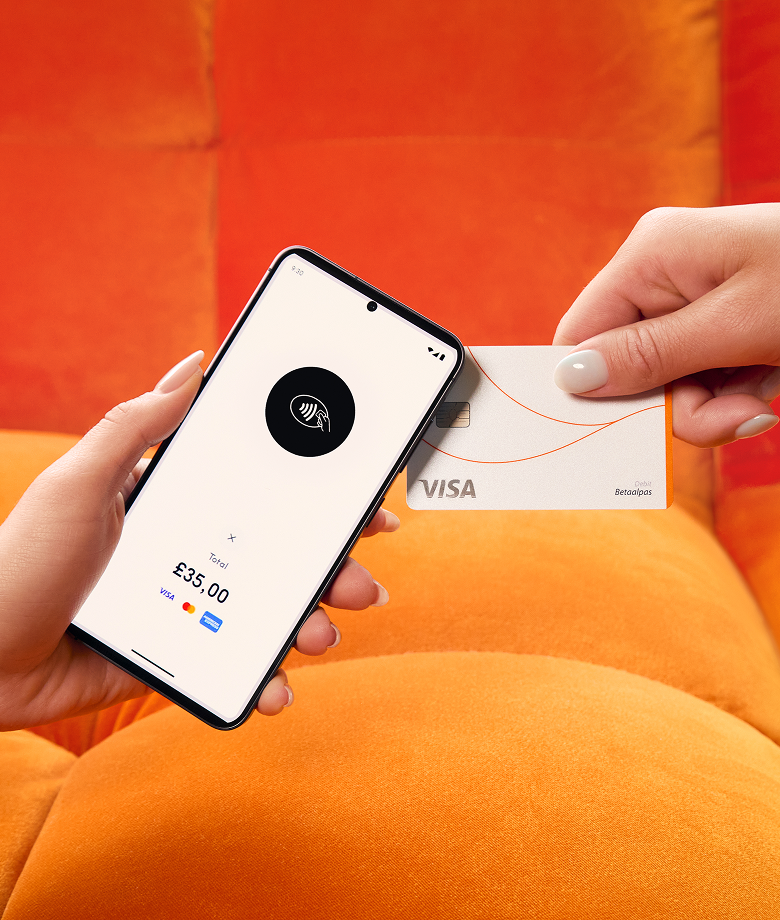
Accept contactless payments straight from the Treatwell Connect app on your phone. No extra hardware to carry, charge, or misplace. This is particularly useful for smaller salons, mobile practitioners, or those moments when the card machine is at reception and you’re checking out a client on the other side of the room. It’s not a replacement for a dedicated card machine in a busy salon with a queue, but having both options available means you’re covered regardless of the situation.
Online pre-payments
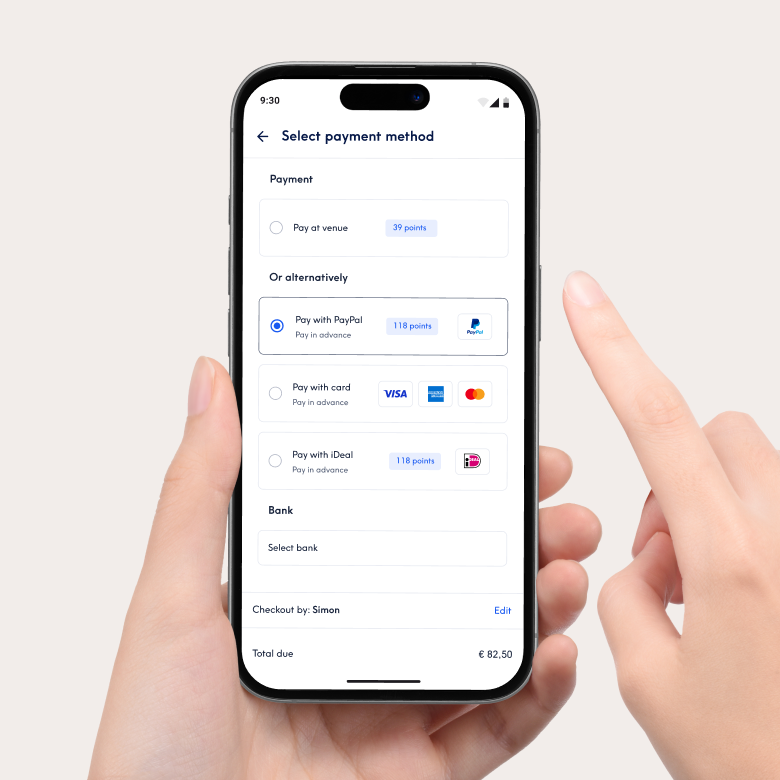
A client searches for a treatment on the Treatwell marketplace, finds your salon, and books. At that point, they pay. Not later, not at the desk, but right there when they commit to the appointment. The same applies to clients booking through your own widget. The payment lands in Connect, matched to the booking, before the client has even left their sofa.
That means two things. First, no-shows stop being a revenue problem. The money is already secured, and your cancellation policy (set by you in Connect) handles the rest. Second, your calendar starts to mean something. A booked slot is a paid slot, not a maybe.
The financial case is straightforward: every no-show on an unpaid booking is revenue that simply vanishes. Pre-payments don’t eliminate cancellations entirely, but they change what a cancellation actually costs you.
Transparent pricing
Treatwell Pay charges one flat rate regardless of card type. It doesn’t matter whether a client pays by Visa, Mastercard, or Amex – the cost to you is the same. There are no monthly fees on top and no setup costs. That’s worth noting because other providers often structure their pricing around card type, which makes it genuinely difficult to predict what you’ll actually pay until the statement arrives at the end of the month. Treatwell Pay keeps it flat: what you see is what you pay.
Powered by Stripe
You might be wondering whether a booking platform is the right company to handle your money. Fair question. Here’s the thing: payments through Connect are powered by Stripe, so your transactions are handled by secure, trusted infrastructure used by businesses worldwide. You’ll always have full visibility of your transactions and payouts through Treatwell Connect. Plus, this means you have one tool from booking to payment to reporting, saving you admin time and giving you a single place to ask questions when you need support.
The checkout experience: what happens at the till
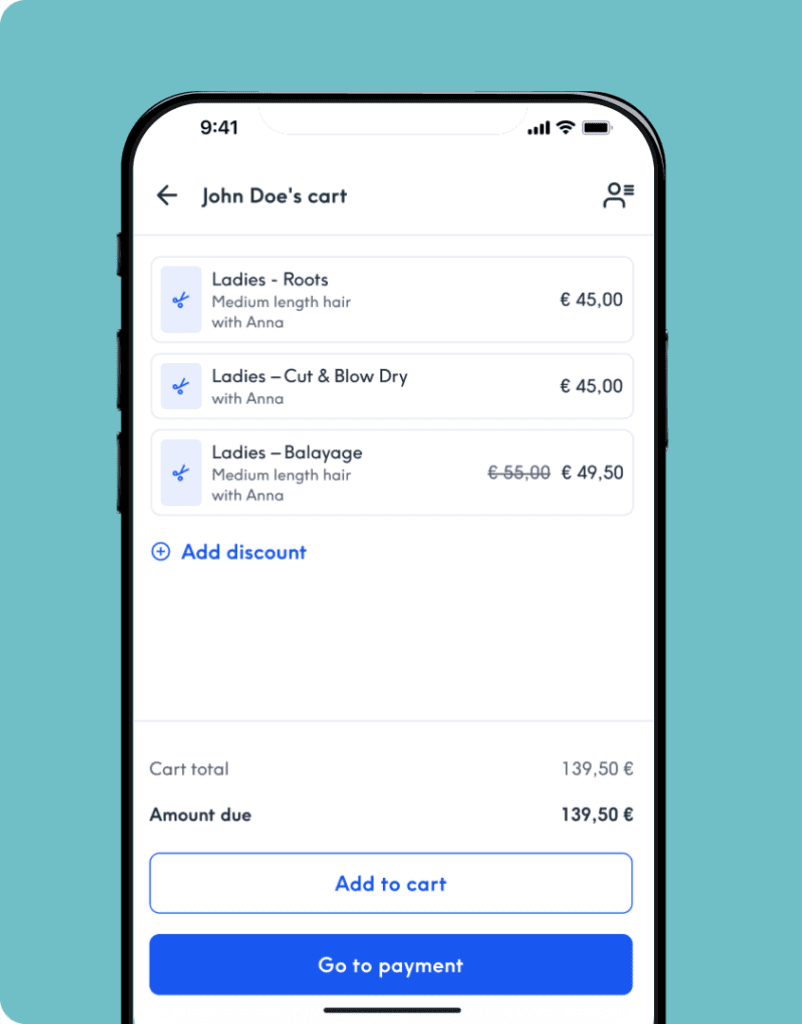
Payments are only part of the equation. The last two minutes of a client’s visit, the bit where they’re standing at the desk and you’re processing the bill, matters more than most salon owners give it credit for. On a quiet Tuesday, a slow checkout is a minor annoyance. On a packed afternoon with three clients waiting, it’s a bottleneck that affects everyone’s experience.
Treatwell Pay’s POS checkout is built around the reality of how salons actually operate. You can add a last-minute product or apply a discount mid-bill without starting over. Split the payment however the client wants: half card, half cash, voucher and card, or any combination that works and send receipts instantly by email. You can even switch the assigned team member if someone else ended up doing the treatment.
The cumulative effect is real. The difference between four clicks per checkout and twelve clicks per checkout barely registers on a single transaction. Over a full day with back-to-back bookings, it adds up to shorter queues, fewer errors, and a smoother end to every treatment.
What else comes with Treatwell Pay
Once the big questions are answered — integration, pricing, checkout speed — there are a few smaller things that salon owners consistently ask about. Two features come up more than any others: daily payouts and tipping. Both are included as standard, not sold as add-ons.
Daily payouts mean the money from today’s treatments hits your account on the next business day. For most standalone providers, you’re waiting three to five days. That might not sound like much, but if you’re managing payroll, paying suppliers, or just trying to know where you stand financially on a Wednesday morning, the difference between “tomorrow” and “sometime next week” is real.
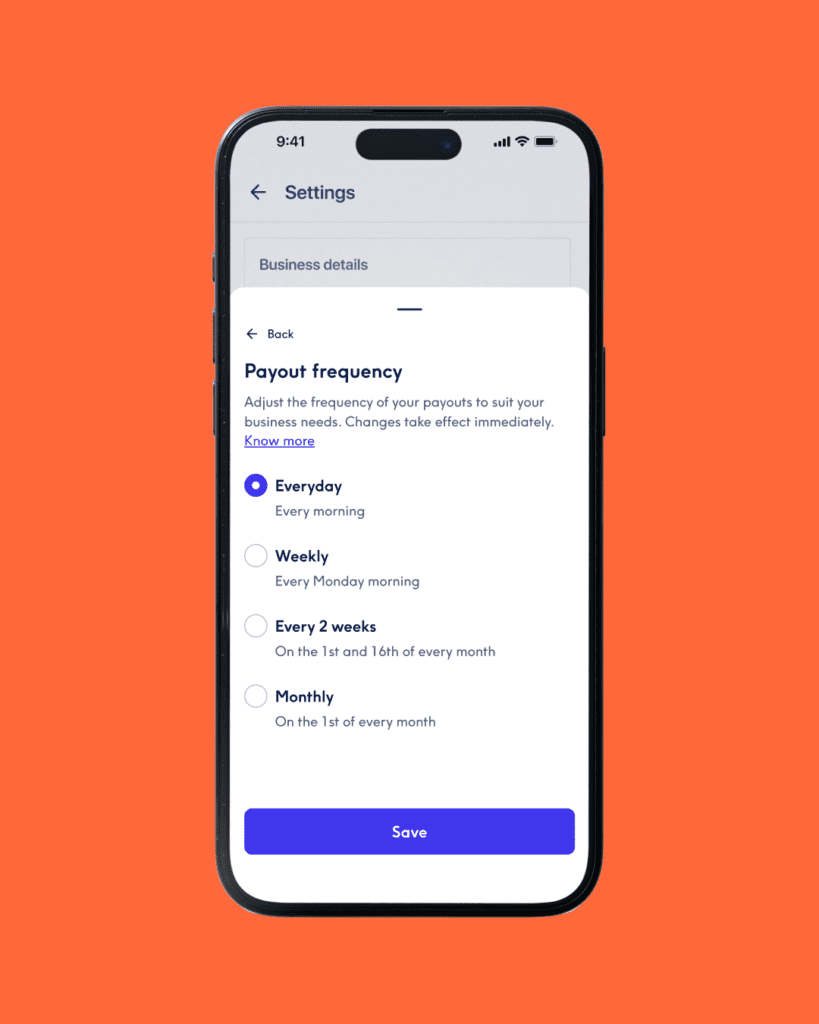
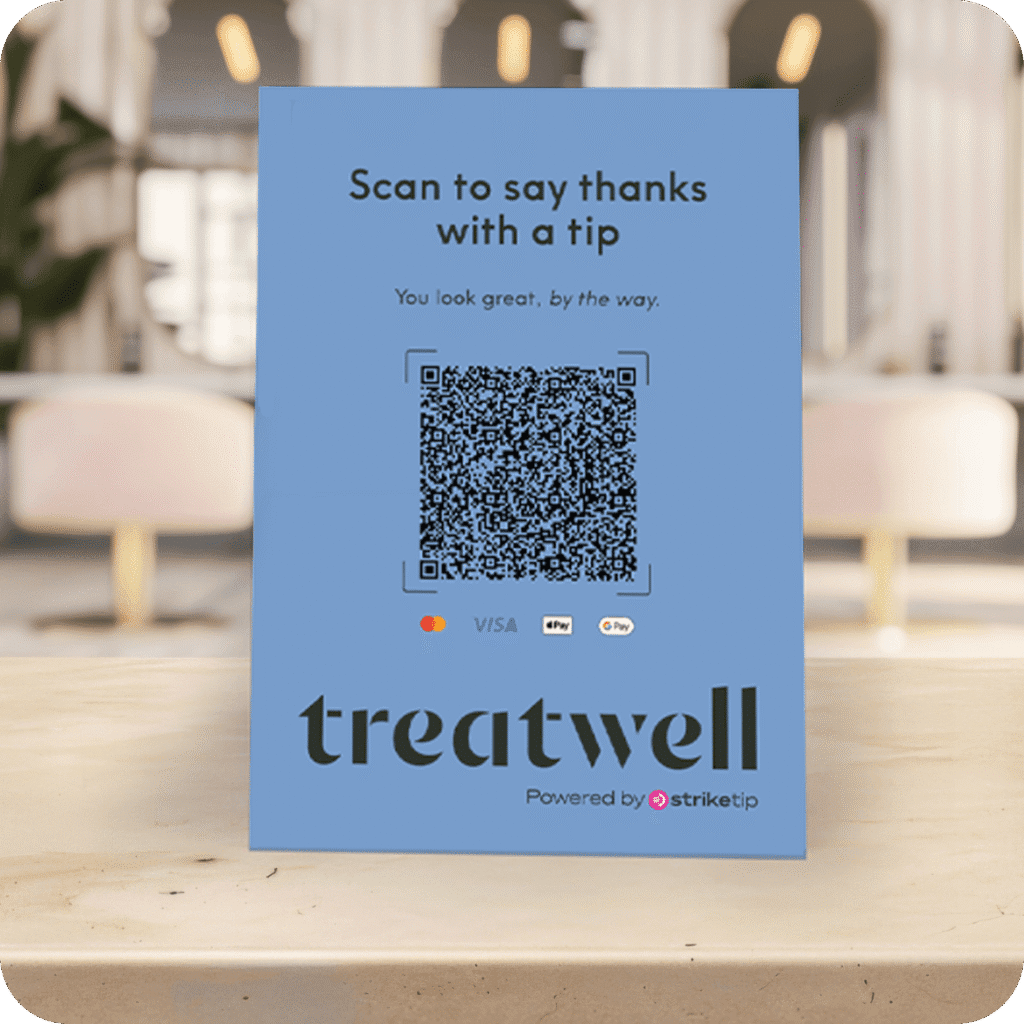
Tipping is powered by Striketip and works through a simple QR code you display in your salon. Clients scan it, leave a tip, and the money goes straight to your personal bank account in seconds. No collecting, no calculating, no waiting. You keep what you’ve earned, immediately. And there’s a nice extra: after tipping, clients get a free rebooking prompt, encouraging them to book their next appointment with you right there and then. It keeps tips simple and keeps your calendar filling up at the same time.
And one practical detail worth mentioning: if you’re already on Treatwell Connect, you’ve already been through the identity verification process when you joined the marketplace. There’s no separate KYC step with a new payment provider. You decide to switch on payments in Connect, and you’re set up. That’s it.
Choosing the right setup for your salon
Every payment option covered in this article works. Apple Pay and Google Pay give your clients the speed they expect. A standalone card machine is reliable and familiar. An integrated solution connects your payments to everything else.
The real question is how much time you’re willing to spend bridging the gaps between separate systems. If reconciling at the end of each day takes five minutes, that’s five minutes. If it takes twenty, and you’re also chasing no-shows and waiting days for payouts, the friction is worth looking at honestly.
Connect’s payment tools remove much of that friction by design. But payments are only one part of what Connect does. Your profile on the marketplace puts your salon in front of clients who are actively searching for treatments in your area. Your calendar, your team profiles, your reports, your waiting list: they all live in the same place. When you add payments to that, you’re not bolting on another tool. You’re closing the last gap in a system that already runs your salon.
If you want to see what that looks like in practice, get in touch with the team.
FAQs
What’s the difference between a payment method and a payment solution?
Apple Pay and Google Pay are payment methods – they’re how your client chooses to tap. But they still need a provider and hardware behind them to actually process the transaction. A payment solution is the full setup: the terminal, the processing, the reporting. Treatwell Pay is a payment solution that accepts Apple Pay and Google Pay as methods within it.
Do I really need a card machine, or can I just use Tap to Pay?
It depends on your volume. For a smaller salon or a mobile practitioner, Tap to Pay on your phone can handle most situations. In a busier salon where you’ve got a queue and your phone is also your booking tool, a dedicated card machine is faster and more reliable. Most salons that use both find they complement each other well: the machine at the desk for routine checkouts, Tap to Pay for everything else.
What should I look for when choosing a payment setup?
Five things, in roughly this order: total cost (not just per-transaction fees, but monthly charges, hardware costs, and hidden surcharges), whether it connects to your booking system, how quickly you get your money, what payment methods your clients can use, and how much admin it creates at the end of every day. If you’re weighing up options, the last point is the one most salon owners underestimate.
Does Treatwell Pay accept Apple Pay and Google Pay?
Yes, across the board. The card machine and Tap to Pay both accept Apple Pay and Google Pay for in-person payments. Clients can also use them to prepay online through the Treatwell app and website. You don’t need to set anything extra up.
Do I need to stop using cash if I switch to Treatwell Pay?
No. The cash register handles cash, card, vouchers, and split payments. Nothing gets taken away. If a client wants to pay half in cash and half on card, that works. If they want to use a voucher for part of it, that works too.
What happens if a client doesn’t show up for a prepaid booking?
That’s entirely your call. You set your own cancellation policy in Connect, which determines what happens to the payment if someone doesn’t turn up. Learn more here.
How long does it take to set up?
The card machine ships free within two to five business days, and installation is a one-time setup. Tap to Pay works straight from the Connect app with no extra hardware. Clients can pay online from day one. If you’re already on Treatwell Connect, the identity verification is already done, so there’s no separate onboarding process to go through.
Is my money safe with Treatwell Pay?
Treatwell Pay is powered by Stripe, which handles payment processing for businesses of every size worldwide. Your transactions run through their secure infrastructure, and you have full visibility of every payment and payout through Treatwell Connect. One tool, one support team, one place to check if something doesn’t look right.
Can I use Treatwell Pay if I’m not on Treatwell Connect?
No – Treatwell Pay is part of Connect, so you need to be on the platform. The upside is that everything works together from day one: bookings, payments, client records, and reporting, all in the same system.